
O&O Software Coupon Codes & Promo Codes October 2026
Developer of Windows utilities for system performance optimization, data backup, and data recovery.
Save now with 7 active and verified coupons & promo codes, carefully reviewed and updated regularly to help you save with confidence.
PC Optimization
Data Backup
Windows Utilities














Earn 36.00% cashback on eligible O&O Software purchases
MGcoupon account reguired
Get Cashback +36.00%
How to Use O&O Software Discount Code?


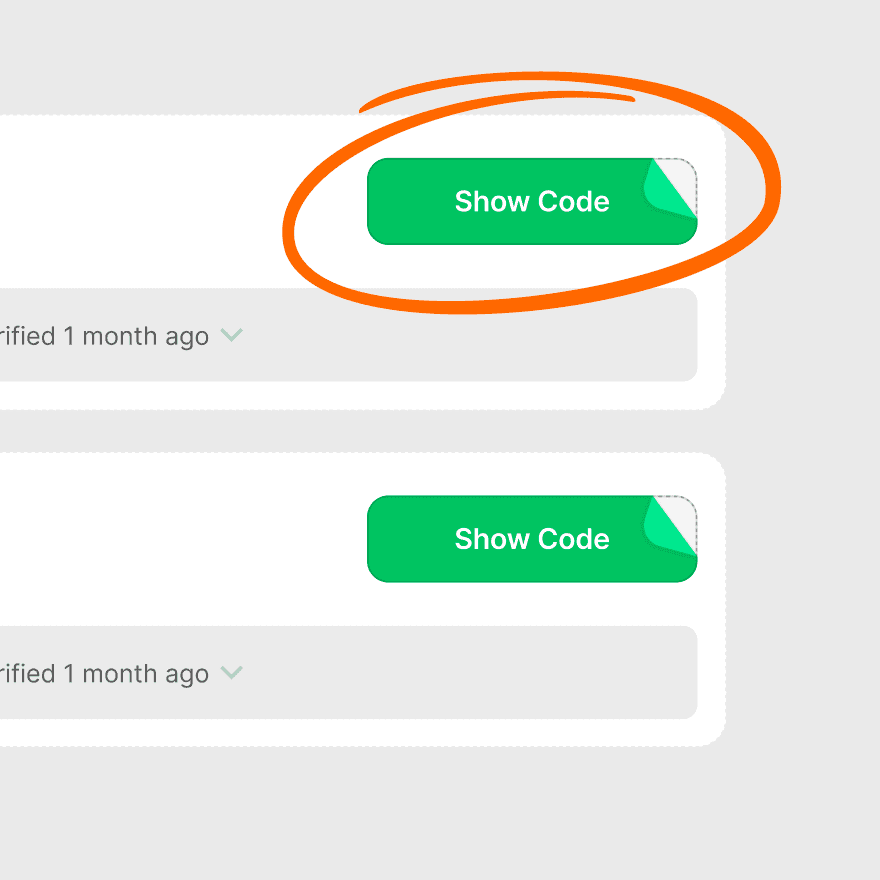
In just three steps, you can enjoy discounts on O&O Software through mgcoupon

Copy code
Find the code you want to use in the list and click "copy code"
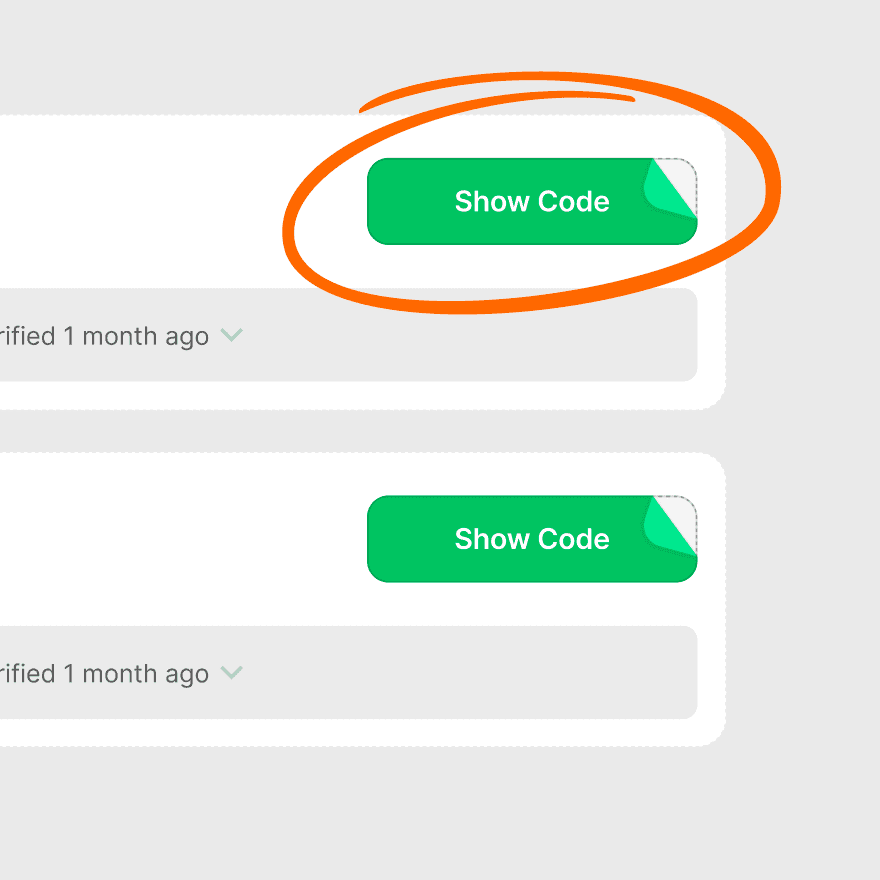

Go To Shop
When the coupon card shows "COPY SUCCESS", you can return to the store to use it.


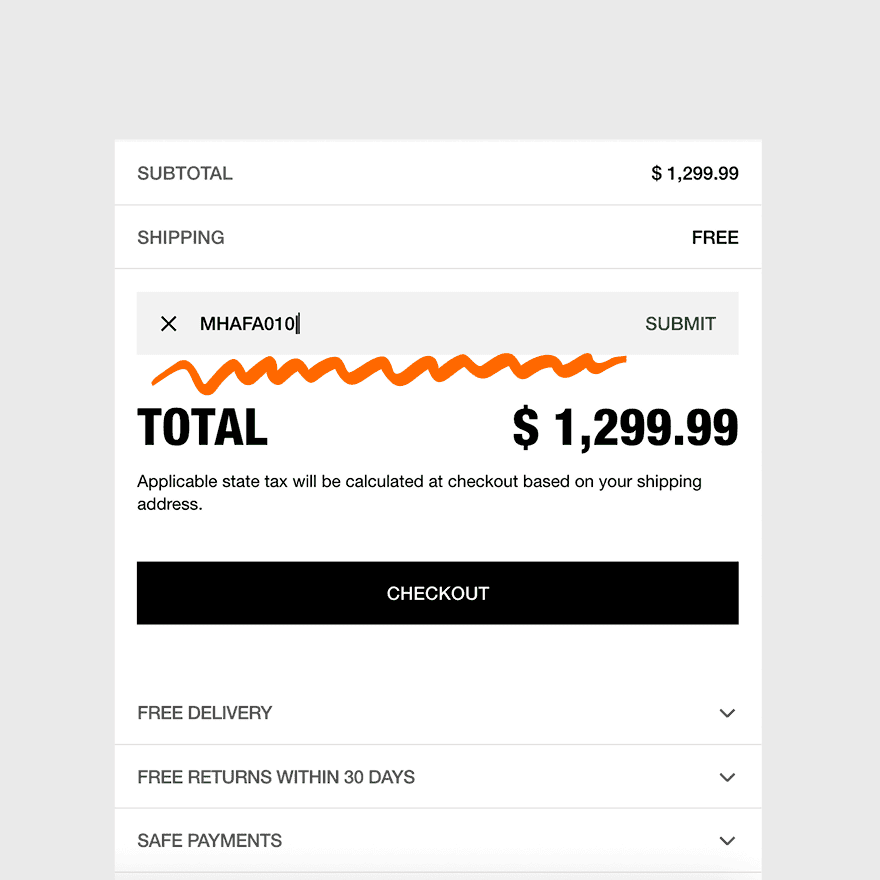
Use coupon
Paste the coupon in the checkout input box and click "Apply" to enjoy the discount.
Live Savings Spotlight
Product Recommendation

O&O Defrag Professional
Core Features
Automatic background defragmentation, specific optimization methods for SSDs (SOLID), DiskCleaner to remove unnecessary files, and multiple defragmentation strategies to improve PC performance and speed up system starts.
Reason to Buy
Significantly improves system performance by optimizing file organization on both hard drives and SSDs, running efficiently in the background without disrupting user tasks.
Price Range
USD$29.95–$49.90
Discount Density
high
Suitable For
Windows users looking to maintain or improve PC speed and responsiveness, from home users to small businesses.
User Reviews Summary
Users generally praise its effectiveness and speed, noting it runs reliably in the background. Some older reviews mention struggles with heavily fragmented drives with low free space. Recent reviews are mixed, with some long-term users satisfied while others cite functional or licensing issues.
O&O DiskImage Professional
Core Features
Creates images of entire computers, individual drives, or files. Supports incremental and differential backups, disk cloning, SSD migration, and restoration to different hardware (Machine Independent Restore).
Reason to Buy
A fast, straightforward, and affordable backup tool for creating full system images, ensuring comprehensive data protection against system failure.
Price Range
USD$49.95–$69.95
Discount Density
high
Suitable For
Home and small business users who need a reliable, all-round solution for system backup, disk imaging, and data restoration.
User Reviews Summary
Praised for being a fast, solid, and dependable backup application with powerful disk imaging features. Some users note a lack of direct cloud support and a user interface that could be more advanced.
Discount Trends
Price Overview
O&O Software offers perpetual licenses for its products, with prices varying by product and the number of PCs. For example, O&O Defrag Professional is available for one PC or a more economical 5-PC license. They also offer bundles like the O&O PowerPack for comprehensive solutions.
Discount Rules
Year Round Discount
O&O Software provides frequent discounts and promotions throughout the year. Coupon codes are often available, offering savings on various products. They also feature seasonal sales events.
Common Discount Rate
sually 20% to 35% off (approx. $100-$450 off) during sales events.Discount rates commonly range from 15% to 60%, with special promotions and bundle deals offering savings of up to 90% or more.
Promotion Calendar
Deepest discounts occur on Prime Day (July/Oct), Black Friday (Nov), and the Anniversary Sale (August).Major promotional events include Black Friday, Cyber Monday, Halloween, and other seasonal sales like Spring and Autumn bundles, where discounts can be as high as 90%.
Best Way to Save
The most effective way to save on O&O Software is by purchasing during major sales events like Black Friday, or by buying product bundles such as the O&O PowerPack or seasonal bundles.
Shipping Policy
Free Shipping
As a software company, O&O Software primarily delivers its products electronically via email, so there are no shipping costs.
Regions
Products are delivered electronically worldwide.
Notes
Licenses are delivered immediately after the payment is credited. For certain products like O&O BlueCon, delivery may take up to two working days.
Competitor Comparison
Latest Shopping & Saving Guides
Tip 1
Look out for seasonal promotions and flash sales, which can offer discounts of up to 90% off.
Tip 2
Subscribe to the O&O Software newsletter to receive exclusive promotions and discount information directly.
Tip 3
Consider purchasing software bundles, such as the O&O PowerPack, to get multiple tools at a lower price than buying them individually.
Tip 4
Take advantage of the free trial versions to test the software before making a purchase.
Tip 5
Check for freeware offerings from O&O Software, which provide useful tools at no cost.
Top User Reviews

Noticeably speeds up system and program start times after optimization.

Software runs automated in the background without slowing down the computer.
Creates fast and reliable full-system backups (disk images).
Makes restoring a system to new or different hardware straightforward.
User interfaces are generally clean and easy for beginners to understand.
O&O Software Promo Codes FAQs


Any third-party trademarks that appear on our website are the property of their third-party owners.
The presence of any such trademark does not indicate any affiliation or endorsement between Mgcoupon and the respective third-party.
When you buy through links on Mgcoupon, we may earn a commission.